Trust Guard Security Scanned
hours left for
same day shipping
hours left for
same day shipping
Loading...

Connect Your Pathway Lights to a Timer

Connecting your pathway lights to a timer helps save energy by ensuring your lights turn on and off automatically at the right times. To turn your lights to a timer, first make sure that they’re connected to a compatible low-voltage landscape lighting controller or transformer. Plug the transformer into a weather-protected outdoor GFCI outlet, then connect the low-voltage lighting wire to the transformer terminals. Now it’s time to set the timer for the desired on and off times. If the timer includes smart controls, consider using its automatic dusk-to-dawn operation settings.

Toro Valve FAQs

How many lights can I connect to one Hydro-Rain lighting controller?

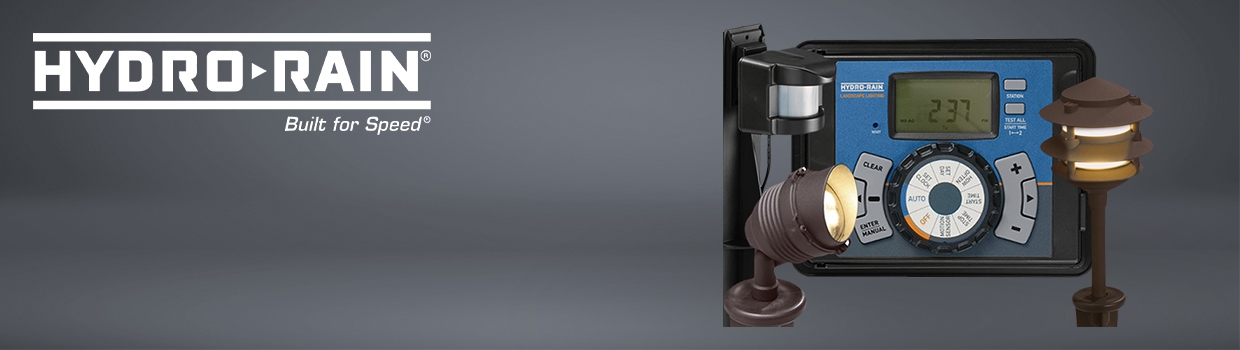
The number of lights you can connect to a Hydro-Rain lighting controller depends on the controller’s wattage capacity and the wattage of each light. It’s also important to consider whether the lights are divided into separate zones or channels. For the most optimal performance, try not to load the controller to its maximum rating.

Can Hydro-Rain landscape lights be controlled with a timer?

Yes. A timer lets you turn lights on and off automatically, which is useful for pathways, accent lights, garden areas, and security lighting. Some Hydro-Rain lighting controllers may also support schedules, zones, or other smart control features. Before setup, check the controller’s wattage capacity, fixture load, and programming options.

Can I install Hydro-Rain lights and controllers by myself?

Yes. Many homeowners can install Hydro-Rain landscape lights and controllers themselves, especially low-voltage lighting systems. Just try to keep connections protected from water and soil when possible. If the project involves any sort of unfamiliar electrical work, hire a qualified electrician or irrigation professional for safety and code compliance.