Trust Guard Security Scanned
hours left for
same day shipping

hours left for
same day shipping

Loading...

Types of Orbit Controllers

Orbit offers several different types of controllers, each with varying levels of technology integrated into its interface. Below are a few of the most popular types of Orbit timers that you’ll find at Sprinkler Warehouse:

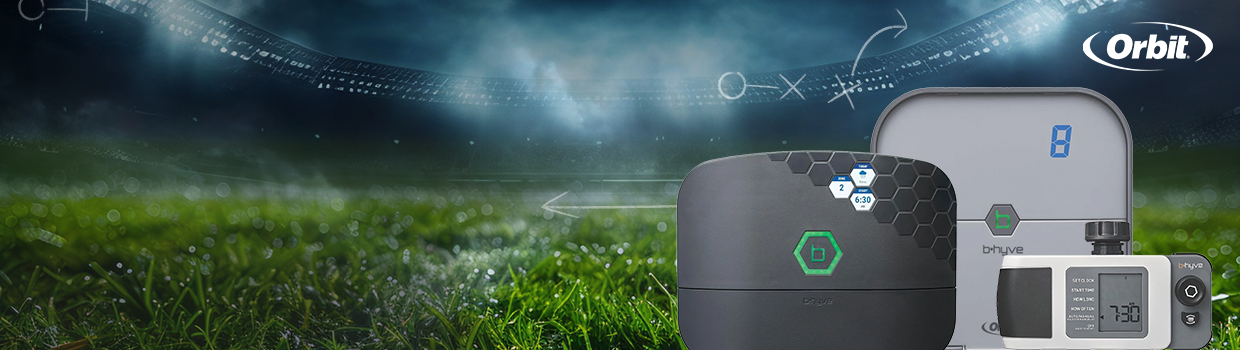
  • Orbit B-hyve XR - Available with 8 or 16 zones, this advanced controller comes with smart watering features, Wi-Fi, and app controls. It’s also rated for both indoor and outdoor use. The XR is perfect for larger and more advanced irrigation systems.

  • Orbit B-hyve Gen 2 - This hose-end timer comes with one outlet, but some packs come with a Y splitter for more zones. Perfect for small sprinkler systems with fewer zones. Has some smart features, but Wi-Fi capabilities are only possible with an add-on device.

  • Orbit B-hyve XD - Available in 1, 2, or 4-outlet designs, this controller has similar smart features to the other controllers (adjusts to local weather patterns). This device is outdoor-rated, but requires a separate hub for Wi-Fi connections.


Orbit Sprinkler FAQs

What types of Orbit sprinkler products are available at Sprinkler Warehouse?

Sprinkler Warehouse supplies over 50 different Orbit irrigation products, ranging from sprinkler controllers to tool sets. Some of our most popular Orbit products are our line of smart controllers with Wi-Fi connections. We also have several different types of Orbit connectors, such as couplings, elbows, and tees.

Do Orbit sprinkler controllers have smart features?

Absolutely. The Orbit B-hyve Smart Controller is one of the more advanced timers available on the market right now, and comes with Wi-Fi (and Bluetooth) connectivity so you can control the system from your smartphone. You can even connect your Orbit B-hyve to your home voice assistants (Amazon Alexa and Google Assistant) to adjust the sprinklers with verbal commands. The system also makes weather-based adjustments to your watering schedule with built-in sensors.

How do I adjust an Orbit sprinkler head?

For Orbit spray heads, simply use a flathead screwdriver on the top screw. Turn it clockwise to reduce its spray distance and counterclockwise to increase it. Adjustable nozzles can also be twisted by hand to change coverage. For rotor heads, hold it at its left stop and use the adjustment screw on top: turn it clockwise to widen the arc or counterclockwise to narrow it. Always test and clean the nozzle after adjustments to ensure it sprays properly.